

 Smart Lock Touch41
 Smart Lock SECBR
 Smart Lock SBR

 Smart Lock PCB41
 Smart Lock PCB28

 Smart Lock Touch43
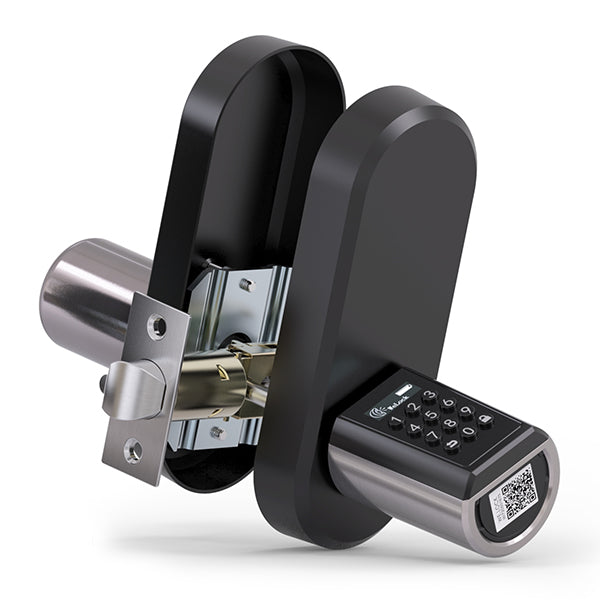
 Smart Lock PCB43
 Smart Lock Konb 32
 Smart Lock PCB33
 Smart Lock Deadbolt PCB34

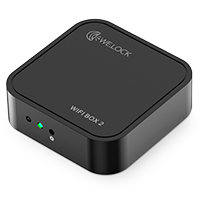 Smart Lock WIFIBOX2
 WELOCK RFID card
Registering a TikTok account is very simple. Just follow the steps below:
Step 1: Download the TikTok App
Search for “TikTok” in your phone’s app store (such as the App Store or Google Play), then download and install the app.
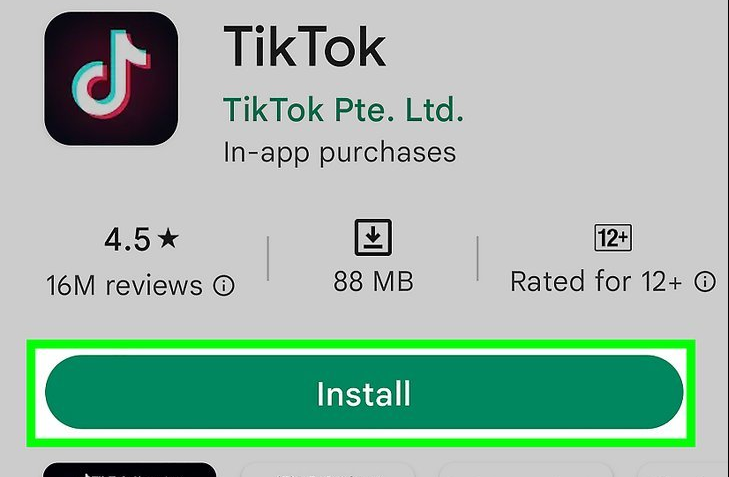
Step 2: Open the TikTok App
Once installed, open the TikTok app.
Step 3: Click on the “Me” Icon
On the main page, click the “Me” icon in the bottom right corner to go to your profile page.
Step 4: Select “Sign Up”
On the profile page, click the “Sign Up” button.
Step 5: Choose a Registration Method
You can register using your email, phone number, or social media accounts (like Facebook, Google, or Twitter).
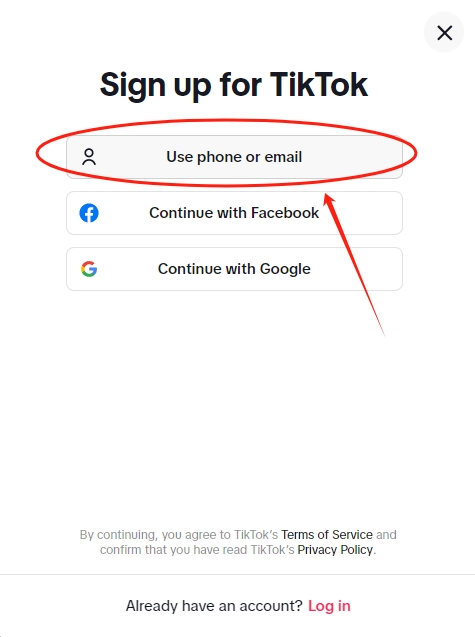
Step 6: Fill in Your Information
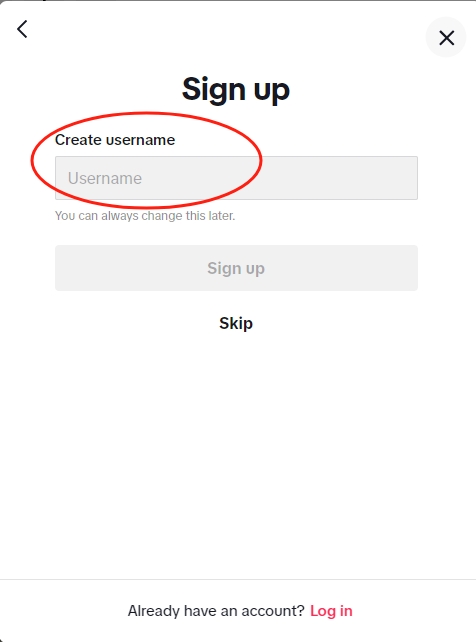
Depending on the chosen registration method, enter your information (like email address, phone number, username, and password).
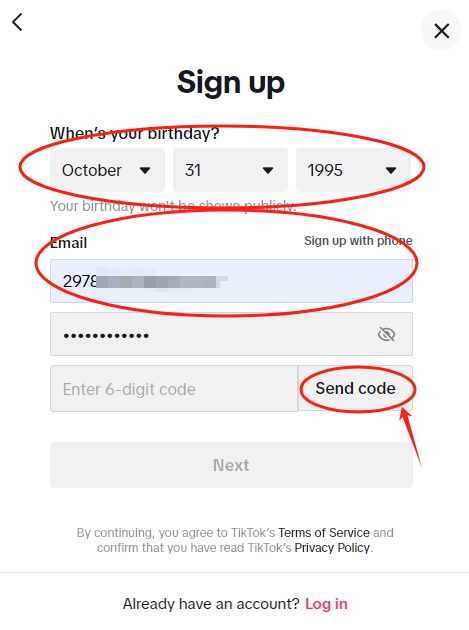
Step 7: Verify Your Information
If you used a phone number, you will receive a verification code; if you used an email, you need to click the verification link.
Step 8: Complete Registration
Once verified, you can set up your profile, including your avatar and bio
.
Step 9: Start Using TikTok
Once registered, you can start browsing videos, following users, and creating content.
Frequently Asked Questions (FAQ)
Can I use my Facebook or Google account?
Yes, you can register using your Facebook or Google account.
Do I need to provide a phone number?
In some cases, TikTok may ask you to provide a phone number for verification.
How can I change my account information?
After logging in, you can click the “Edit Profile” button on your profile page to modify your account information.
For more details, please click here.


