We are excited to have you join our affiliate program! Please follow the steps below:
- Visit Our Website
Open your browser and go to: https://www.welock.com/
Scroll down to the footer and click on “Affiliate Program.”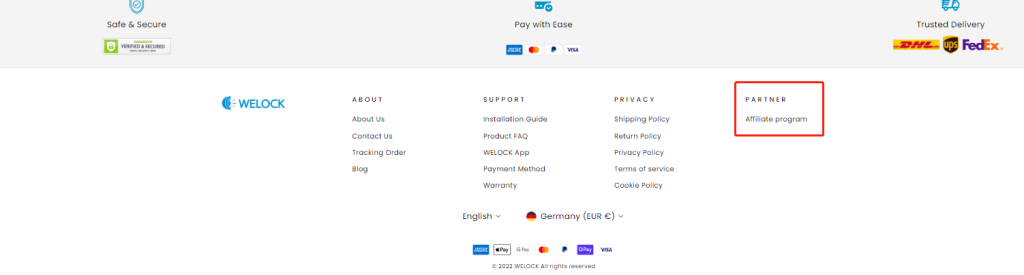
- Click “Join Us”
Once on the affiliate program page, click the “Join Us” button.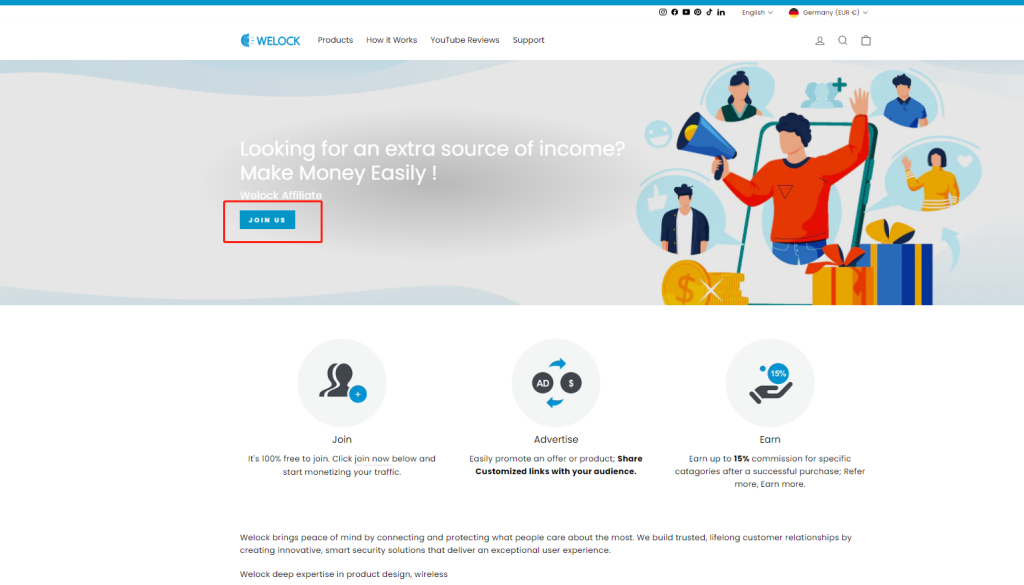
- Not a Shareasale Member?
If you are not a Shareasale member, fill in the required information to register.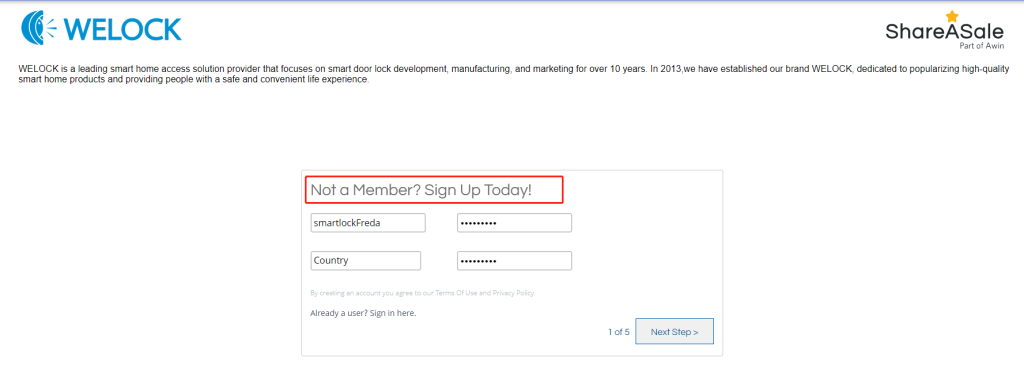
- Set Up Your Account
Create your account by setting a username and password.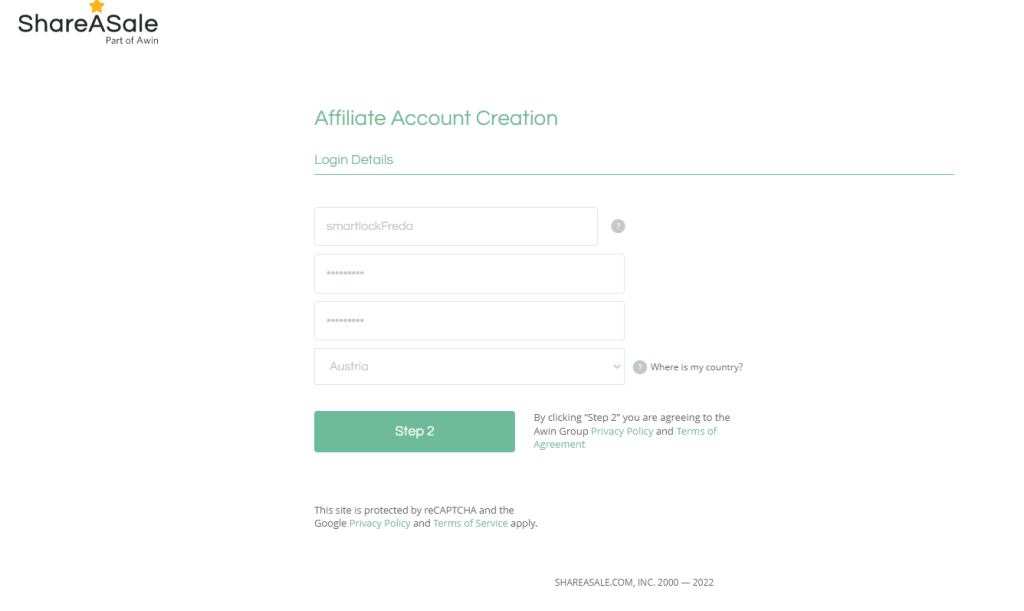
- Log In After Registration
After registering, log in to your new Shareasale account.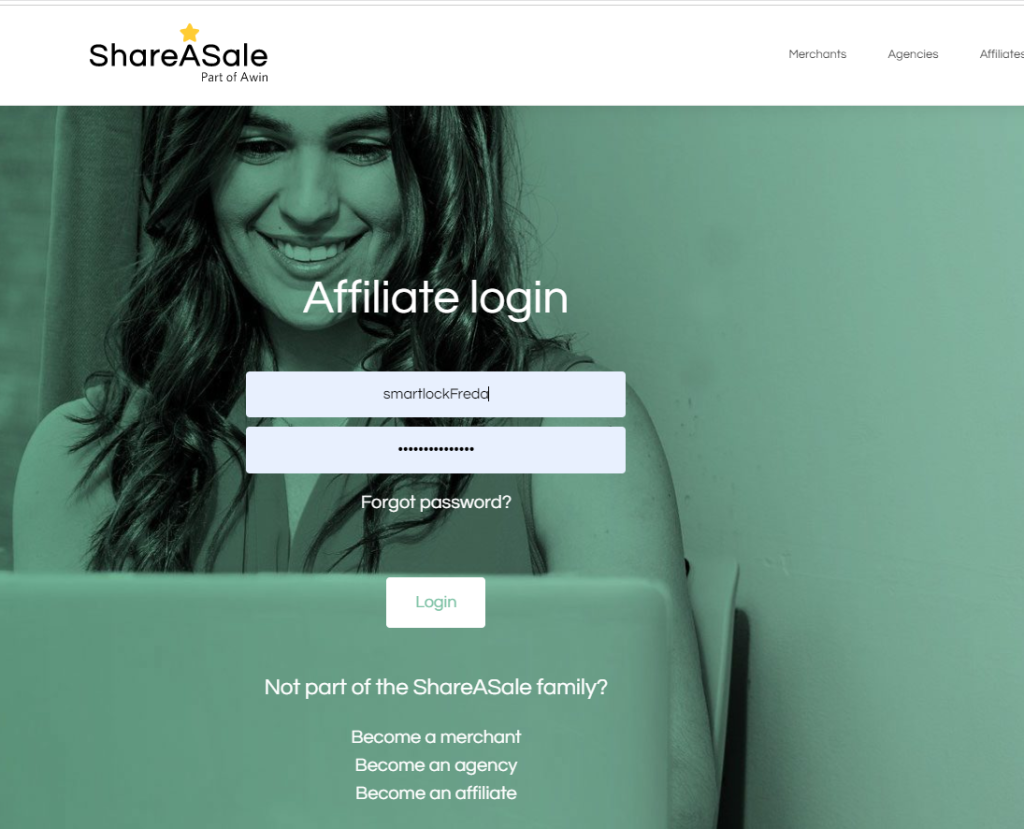
- Improve Your Information
Ensure that all the information you filled in is accurate and complete.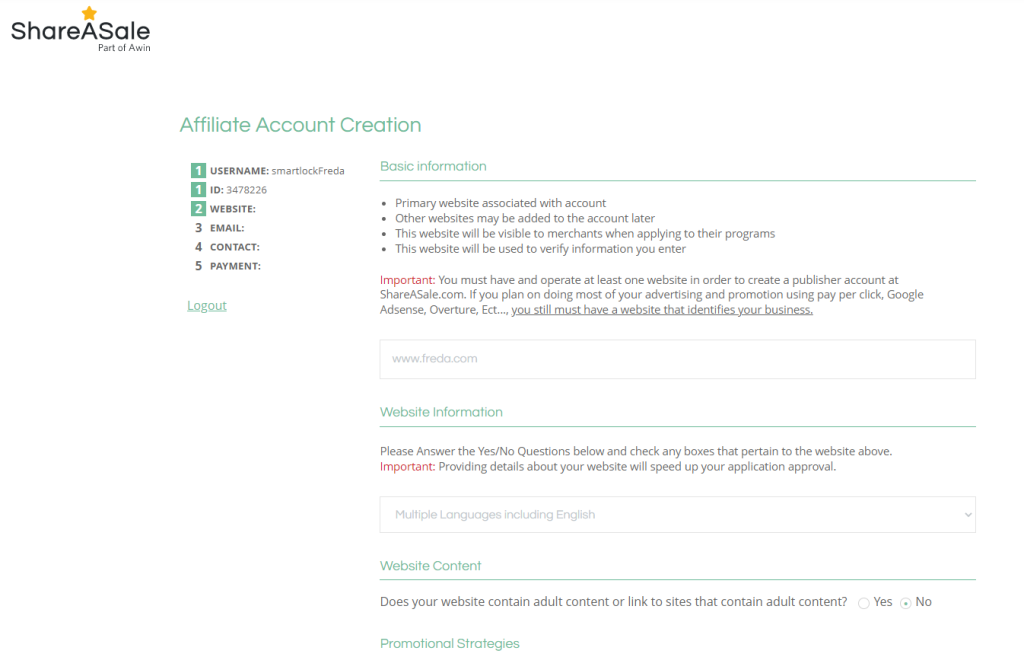
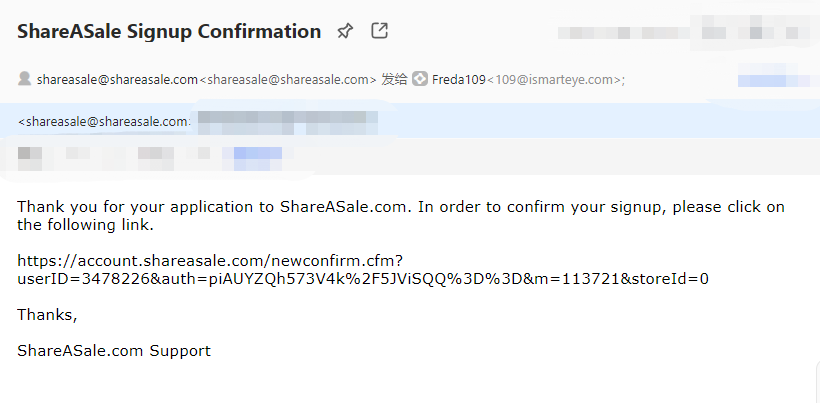
- Email Confirmation
Enter your email address to receive a confirmation email.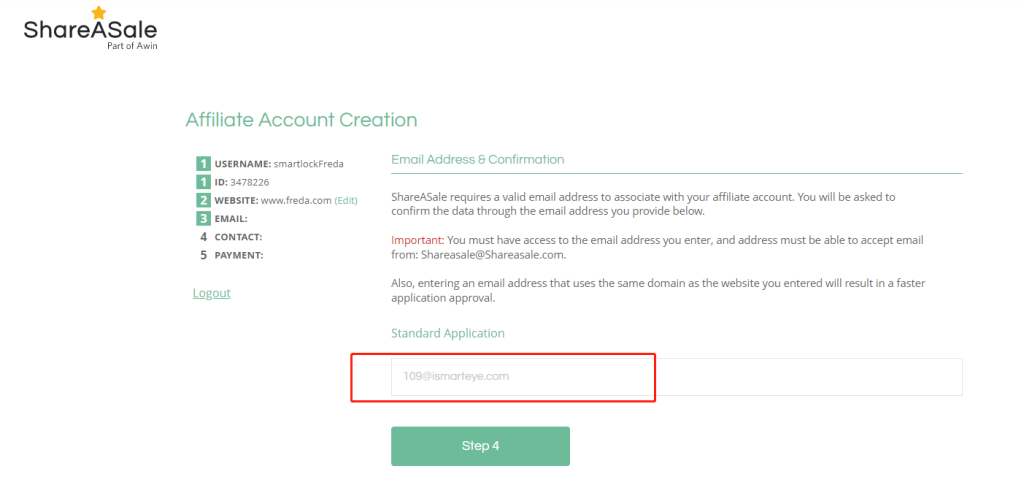
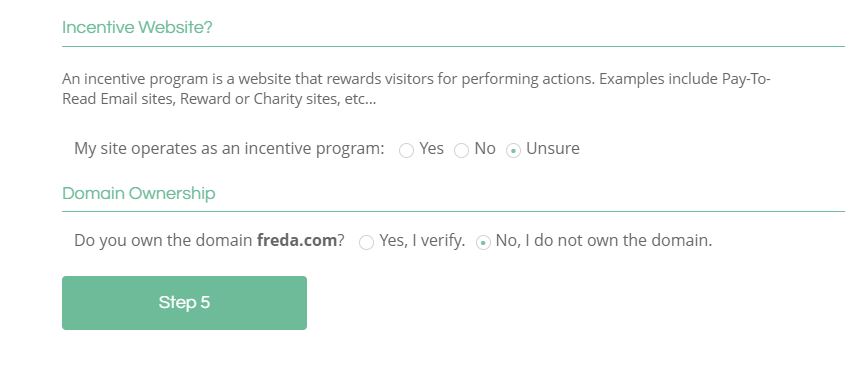
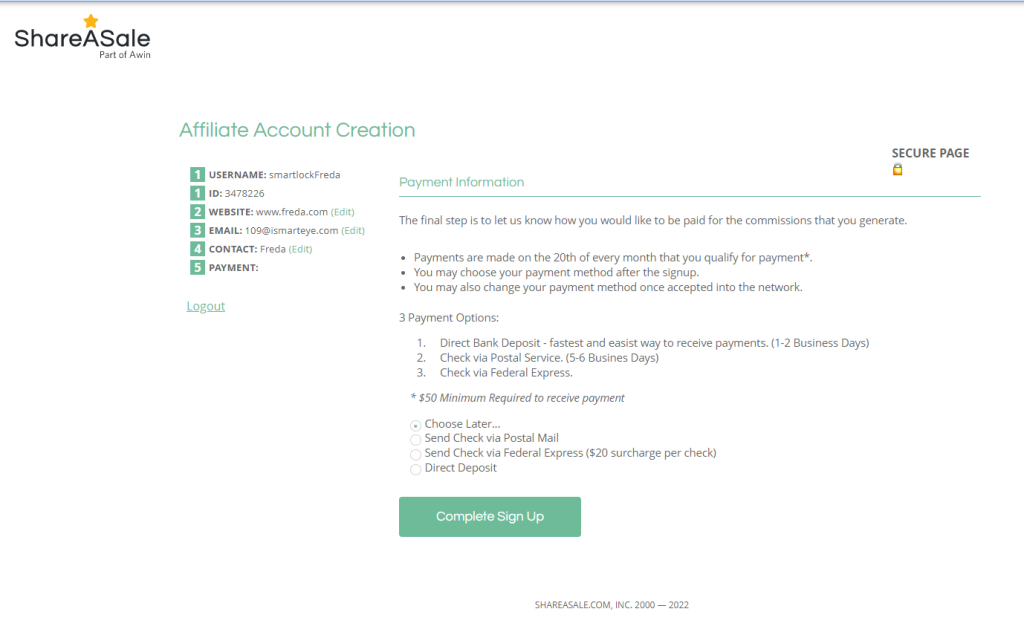
- Fill in Contact Information
Provide the required contact information to help improve your approval rate.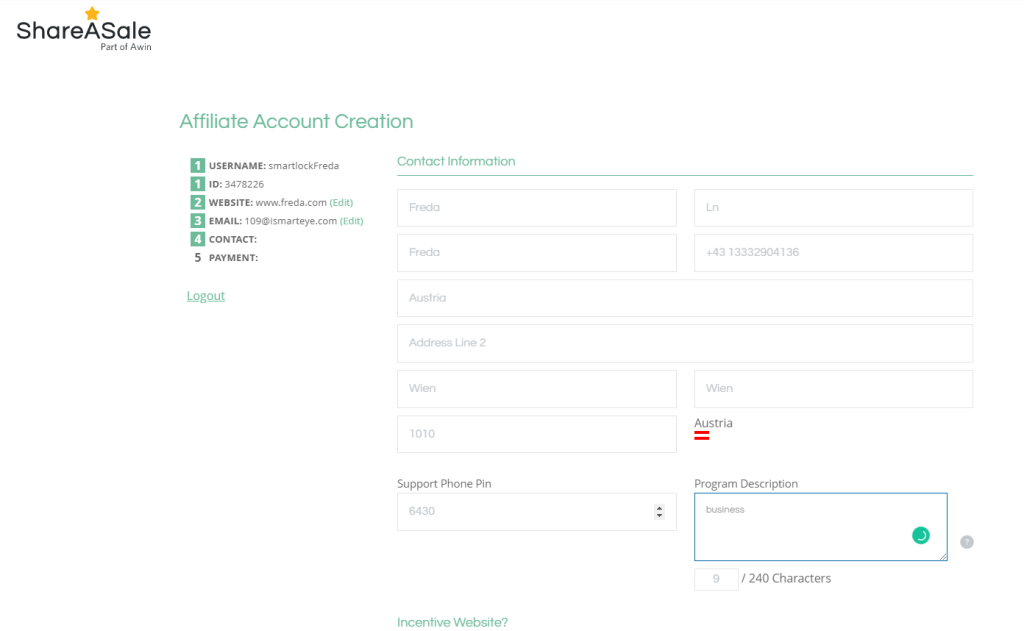
- Sign the Liability Agreement
Review and sign the liability agreement as part of the application process.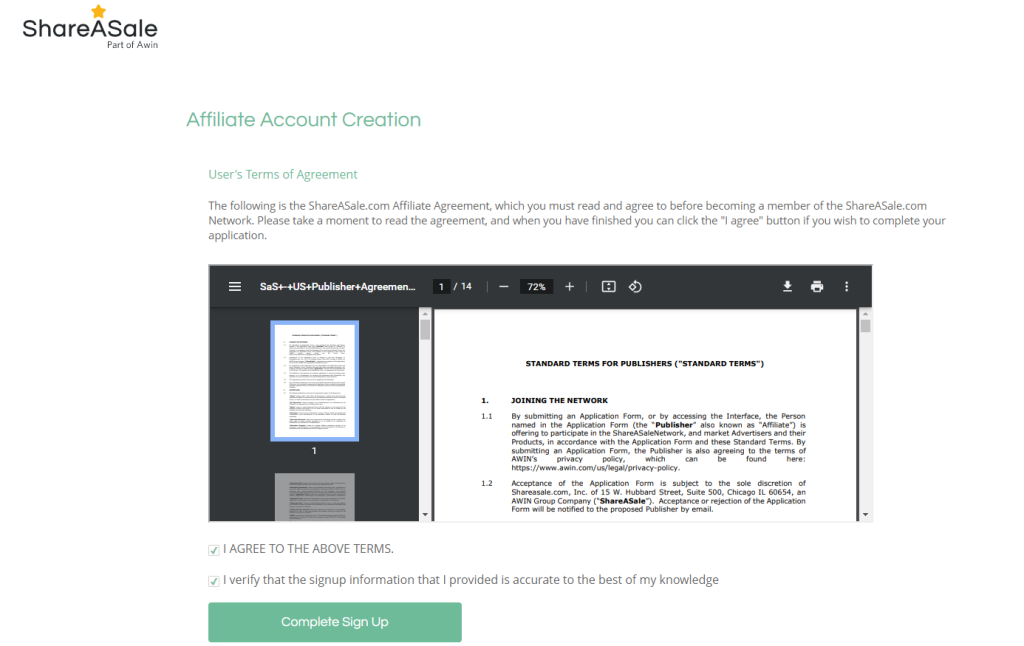
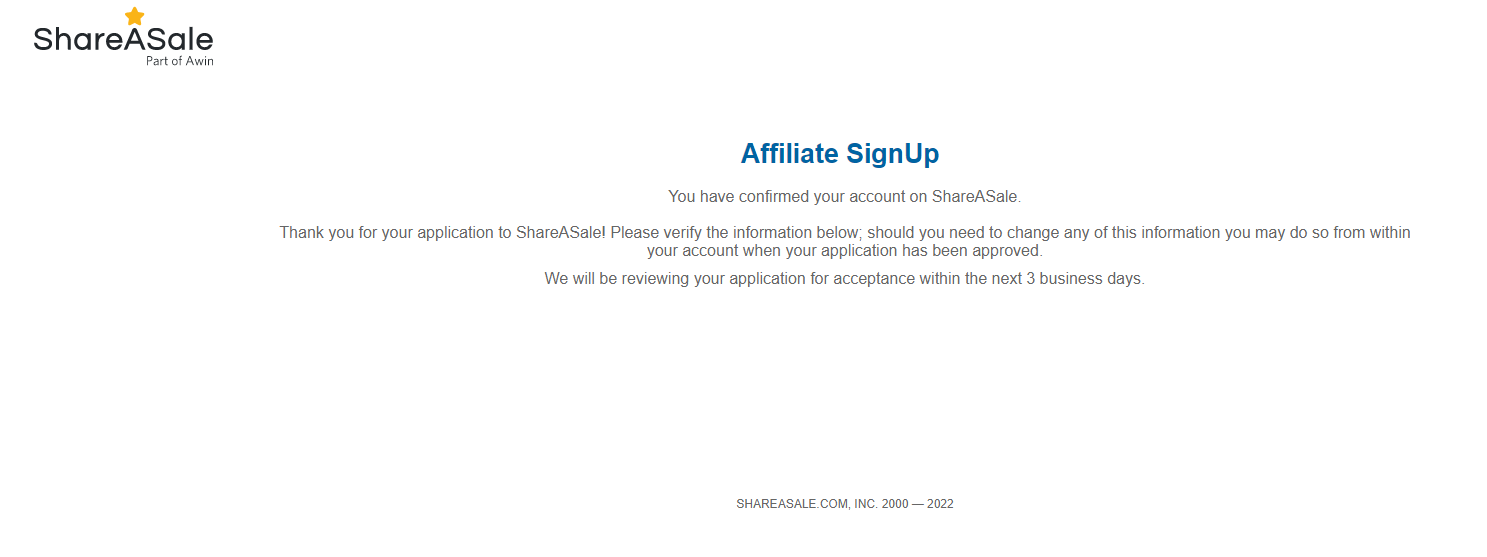
- Application Review
Once your application is completed, you will receive an email. Please allow up to 3 business days for the review process.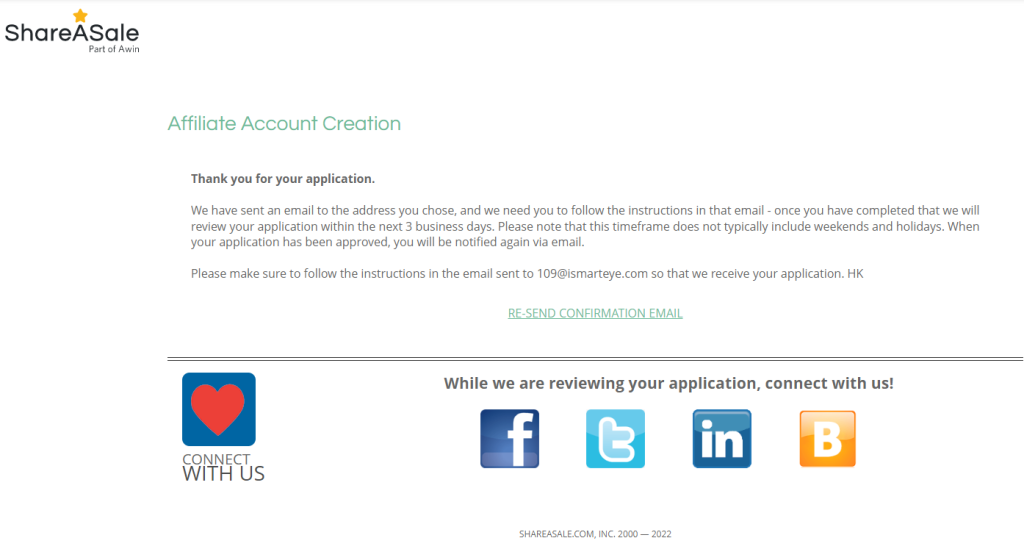
Frequently Asked Questions
What if I don’t receive the confirmation email?
Check your spam or junk folder. If you still don’t see it, try resending the confirmation.
How can I check the status of my application?
You will receive an email notification once your application has been reviewed.
What if I need help during the registration process?
Feel free to contact our support team for assistance.
Can I promote WELOCK products on multiple platforms?
Yes, you can promote our products on various channels as long as they comply with our affiliate program policies.
If you have any other questions or need further assistance, please feel free to contact us!


